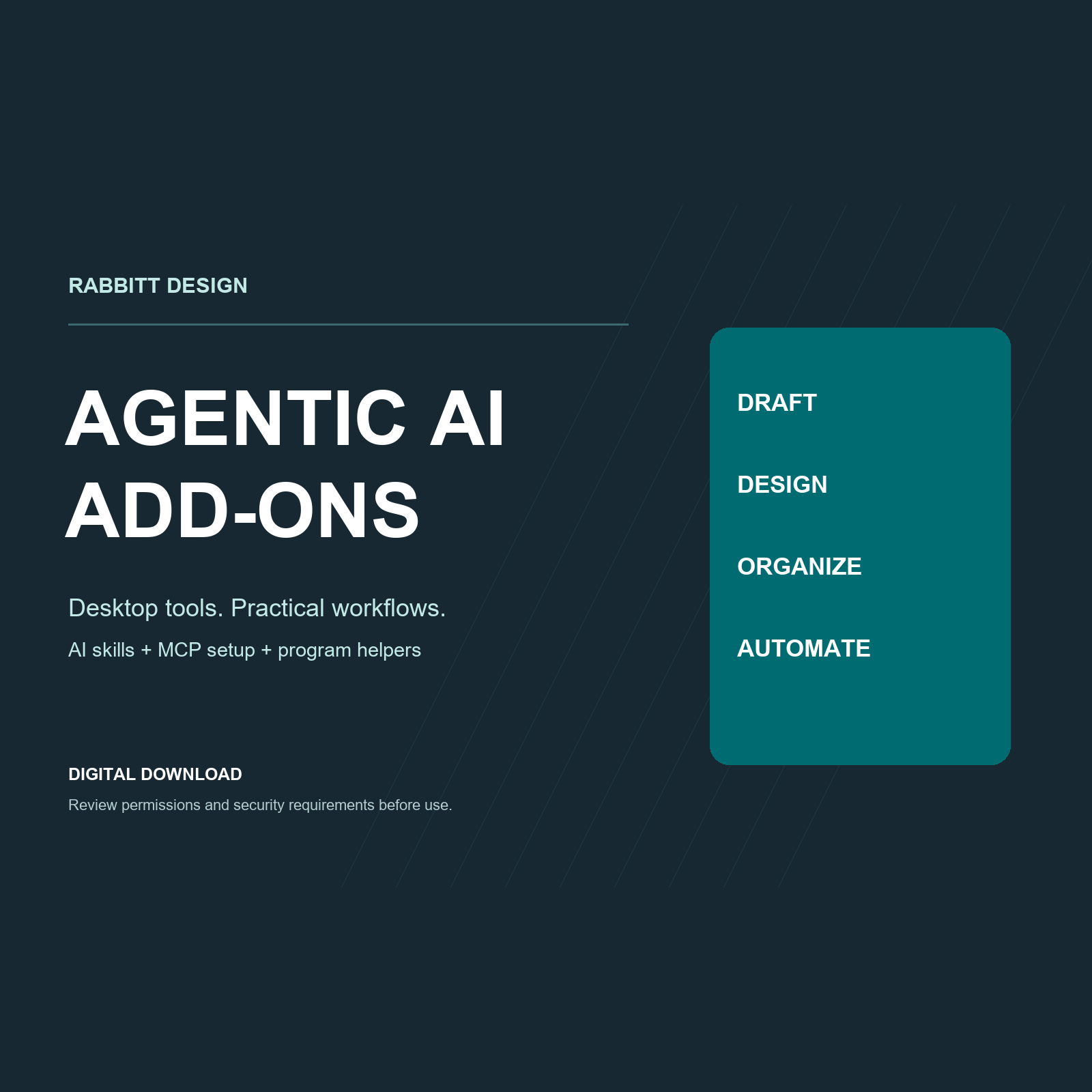
Tools for computer-aided drafting, design, organization, workflow, and systematic improvements. Bring practical AI skills, MCP setup instructions, and program helpers into your desktop workflow. This is a digital collection of automation materials, not a hosted AI service or a universal one-click installation.
Chief MCP Setup: portable Windows setup instructions and an installer for a compatible Chief Architect Premier X18 MCP bridge and supported Claude client.
Blender MCP Setup: installer and instructions for connecting a compatible Blender installation to an MCP-capable AI client.
Rabbitt Blender for Chief: AI modeling and UV-mapping guidance, materials, and handoff standards for Chief Architect assets.
Chief-FancyZones: a Windows helper for arranging eligible floating Chief X18 panels with Microsoft PowerToys FancyZones, with installation and removal instructions.
HeadFollow Color: a Windows virtual webcam helper with automatic head tracking and output color controls; requires a physical webcam and the OBS Virtual Camera driver. Review its included installation instructions and camera permissions.
Copied Pro Plan add-ons: Chief MCP Setup, Chief Preferences Setup, Lot Topography Skill, PDF/image-to-DXF and CAD to Walls workflows, and precise Tab-input wall drawing. The originals remain available in the Pro Plan package.
Your purchase delivers a PDF with a large, clearly labeled OPEN AGENTIC AI ADD-ONS button. Click that button to open the Dropbox folder, choose Download, and extract the ZIP before installation. You do not need to hunt for a Dropbox icon. Read the package Start Here file, each module's instructions, and the full Markdown security disclaimer before granting any permissions.
Full Library X18 and Complete System X18 include access to this separate add-on collection at no additional charge. Use the Agentic AI Add-ons button in your updated purchase PDF instead of buying it again. Pro Plan customers retain the specific add-ons included in their Pro Plan download; those same tools are copied here alongside the additional modules.
Requirements differ by module. Chief integrations require the documented Chief build and features; an X18 label alone does not establish MCP availability. Windows utilities require Windows, and Blender workflows require compatible Blender. Some workflows need Python, PowerShell, internet access, desktop control, or local MCP connections. A capable frontier-model agentic desktop application with the appropriate tools is required for agentic workflows; a chat-only interface cannot perform every task. AI services, subscriptions, API usage, Chief Architect, OBS, and other software and licenses are separate. The package does not grant Pro Plan template or Full Library licenses. Read module validation notes and limitations; verify a live connection and actual results before production use.
All Rabbitt Design agentic AI add-ons were created with the use of AI. Their purpose is to automate functions on a computer. Read the full Read Before Use Markdown disclaimer included in the package before installing, configuring, or running any module. Third-party software and dependencies retain their own authorship, licenses, terms, and policies.
Required desktop AI and permissions: Agentic workflows require a capable frontier-model agentic AI desktop application or local agent with the tools and permissions needed for the selected module. A browser-only chatbot may not be sufficient. Depending on the workflow, access may include reading and writing files; creating, copying, moving, renaming, overwriting, or deleting data; executing Python scripts, PowerShell commands, and other code; installing dependencies; changing application configurations; controlling desktop applications; connecting to local MCP servers; internet access; and external services. Some program helpers can run without an active AI session after installation. Required software, licenses, AI subscriptions, API usage, and third-party charges are separate unless expressly stated otherwise. Compatibility varies by module.
Automation carries inherent risk: An AI agent can misunderstand instructions, generate unsafe commands, select the wrong file or window, or follow malicious instructions embedded in documents or websites. Consequences may include lost or corrupted files, overwritten settings, exposure of personal or client information, unauthorized activity, service charges, downtime, security incidents, and incorrect drawings or other outputs. Some actions may be irreversible. You choose the agent, permissions, files, accounts, and services it can access and remain responsible for supervising and verifying its actions.
Review before use: You are strongly encouraged to have your own AI review every package file, including scripts, installers, commands, skills, configuration files, and referenced downloads. Ask it to explain permissions, file changes, network destinations, persistent processes, and recovery steps. AI review can miss defects or malicious behavior; it does not replace competent human or independent security review. Keep verified backups, test on disposable copies, use the minimum necessary permissions, and retain meaningful approval prompts. Do not disable security protections to force installation.
Privacy and our own use: Rabbitt Design uses these systems in its own workflows and applies its own safeguards for personal information and file read/write access. Our experience does not establish that your computer, agent, accounts, or implementation are secure. Keep credentials and confidential information outside the agent workspace unless you deliberately authorize their use. Review your provider's retention, training, sharing, and account settings: files, prompts, screenshots, tool results, and logs may be sent to third-party services. These add-ons are not a managed security service or security audit. No representation is made that all vulnerabilities have been identified or that the package is breach-free.
NO WARRANTIES; LIMITATION OF LIABILITY: TO THE MAXIMUM EXTENT PERMITTED BY APPLICABLE LAW, THESE MATERIALS ARE PROVIDED “AS IS” AND “AS AVAILABLE,” WITHOUT EXPRESS OR IMPLIED WARRANTIES, INCLUDING MERCHANTABILITY, FITNESS FOR A PARTICULAR PURPOSE, NON-INFRINGEMENT, ACCURACY, RELIABILITY, COMPATIBILITY, OR SECURITY. THERE IS NO GUARANTEE OF SUCCESSFUL INSTALLATION, A PARTICULAR RESULT, FREEDOM FROM HARMFUL CODE, OR PROTECTION AGAINST DATA LOSS, UNAUTHORIZED ACCESS, OR SECURITY BREACHES. YOU ASSUME THE RISKS OF INSTALLING, CONFIGURING, AUTHORIZING, AND USING THESE AUTOMATION MATERIALS. RABBITT DESIGN AND RENE RABBITT DISCLAIM LIABILITY ARISING FROM THEIR USE OR INABILITY TO USE THEM, INCLUDING SECURITY INCIDENTS, PRIVACY OR CONFIDENTIALITY LOSSES, UNAUTHORIZED ACCESS, DATA LOSS OR CORRUPTION, SYSTEM OR APPLICATION DAMAGE, BUSINESS INTERRUPTION, THIRD-PARTY CHARGES, LOST PROFITS, AND INDIRECT, INCIDENTAL, SPECIAL, CONSEQUENTIAL, OR PUNITIVE DAMAGES. This includes risks associated with your chosen AI agent, its permissions, generated commands, and connected services. Nothing here excludes liability or consumer rights that applicable law does not allow to be excluded. Responsibility does not automatically transfer to an AI model or provider; their own terms and applicable law govern their responsibilities.
Verify professional work: Check all dimensions, scale, geometry, quantities, code requirements, parcel boundaries, elevations, and other outputs before relying on them. These tools do not replace licensed professional judgment, a survey, engineering, or permit review. Operating system, AI, model, application, and dependency updates can change behavior or break a workflow. Do not use a workflow you cannot safely supervise.